Cascadia
Diagrams you can diff, review, and share.
Open CascadiaRead the Documentation
Sign in with Google or GitHub. No separate account to create.
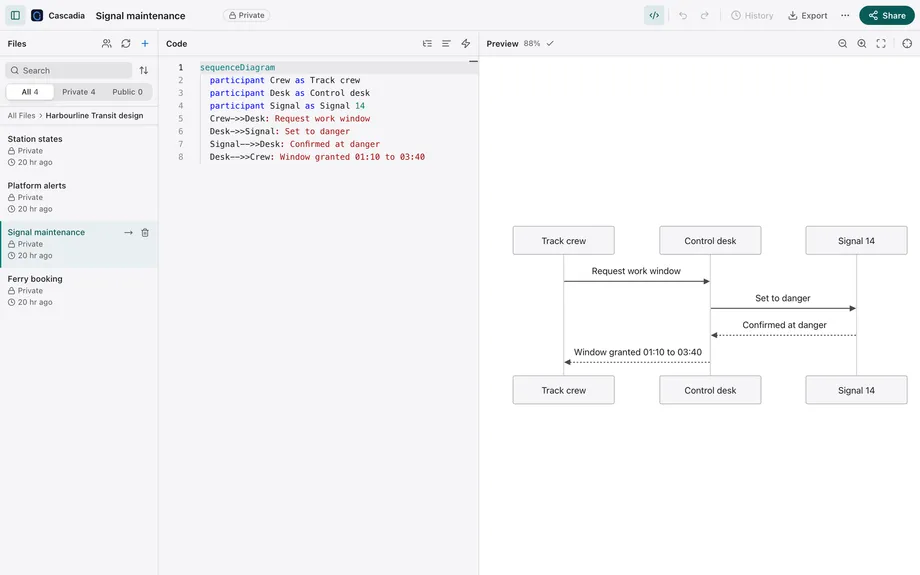
The text is the source of truth.
Write the diagram. The picture follows.
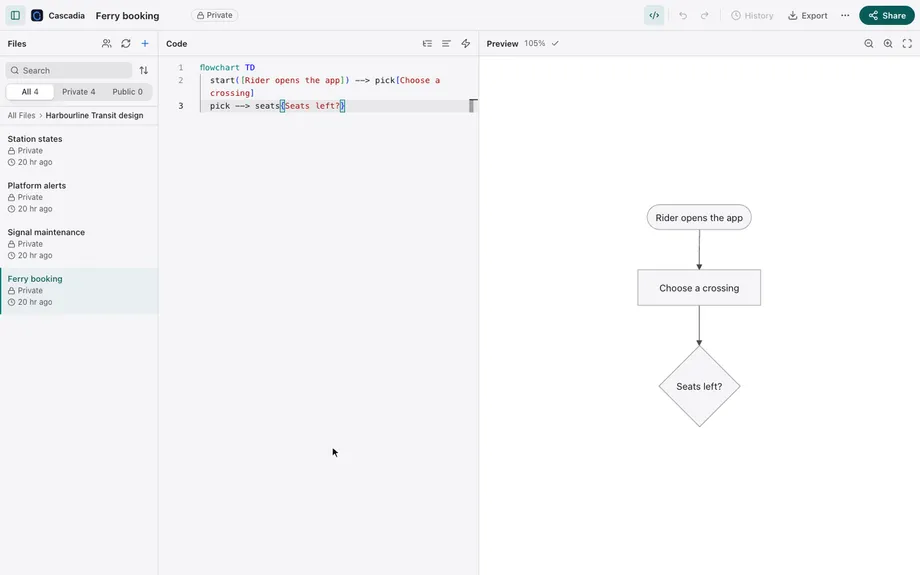
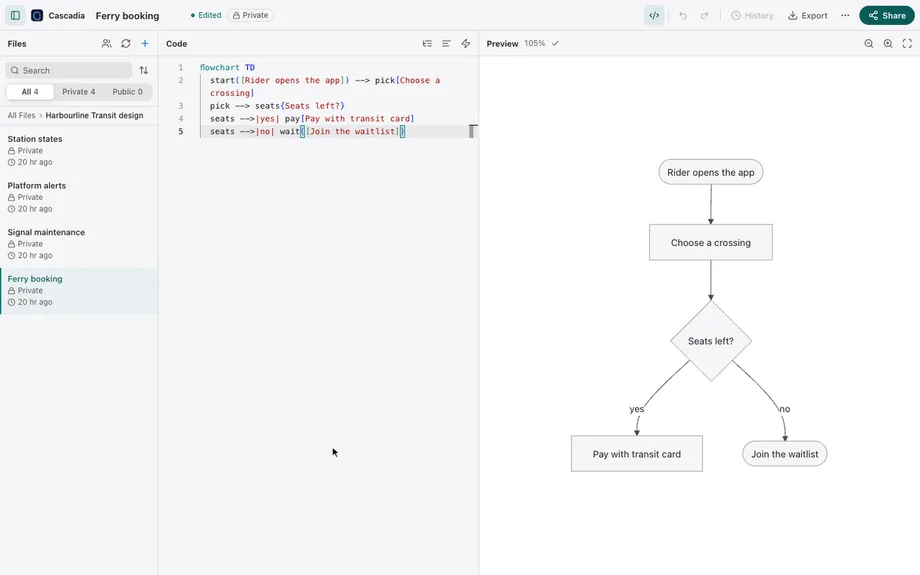
- Type a line of Mermaid
- The preview redraws with it
- Type the next; the diagram follows
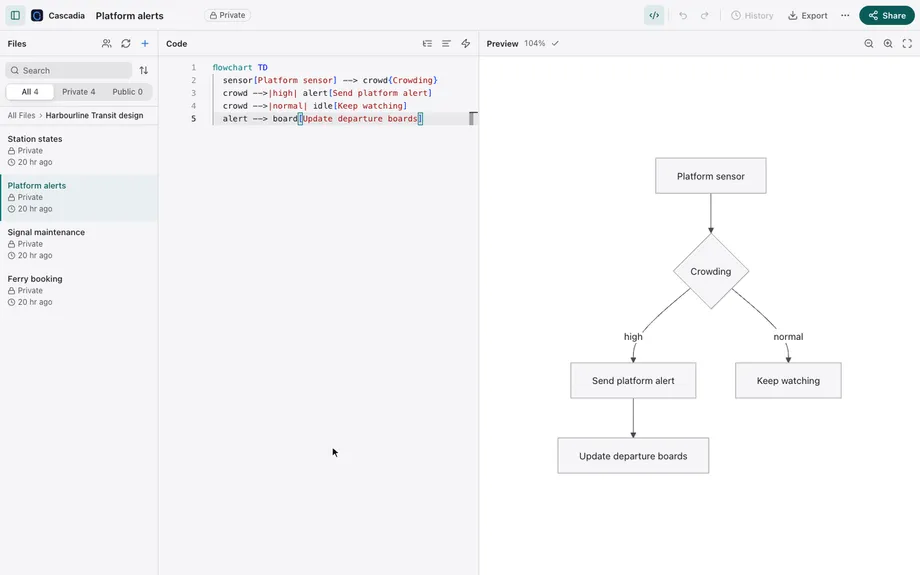
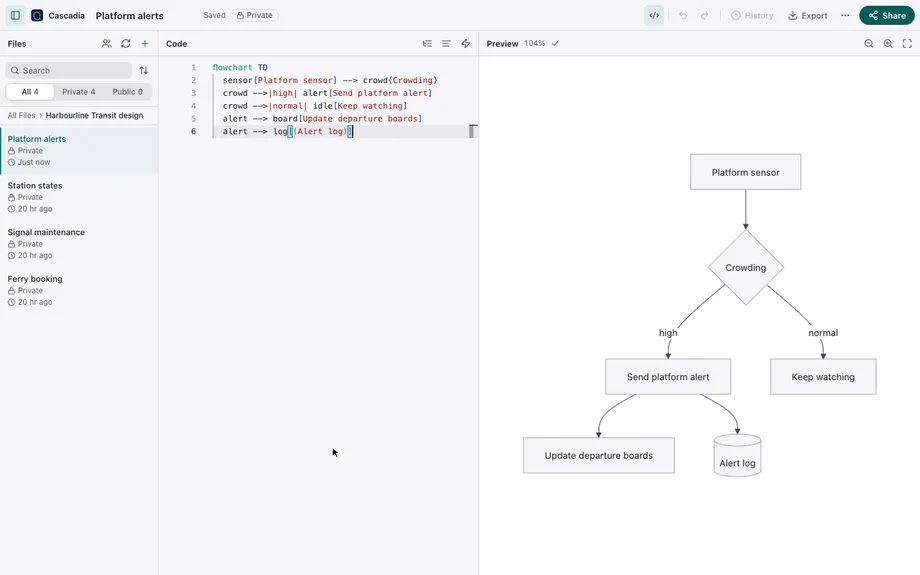
- Completion offers Mermaid arrows
- A mistyped arrow is marked, with a lightbulb
- Apply the quick fix: the marker clears
Plain Mermaid, live preview
Flowcharts, sequence diagrams, class diagrams, state diagrams, and other Mermaid types, as plain Mermaid, with a live rendered preview beside your source.
An editor that knows Mermaid
Syntax highlighting, completion for diagram types and keywords, an error marker on the line that stops a diagram from rendering, and quick fixes for common mistakes.
Source mapping
Click a shape in the preview to jump to the line that drew it; move the cursor and the preview highlights what that line draws.
Markdown documents
View markdown documents with diagrams embedded inline. Design notes and their diagrams stay together in one place.
Imports between diagrams
Reference one diagram from another with a
%% @importcomment, so shared definitions live in one file instead of being copied around.
Manage diagrams the way you manage code.
Folders, history, and the people you choose.
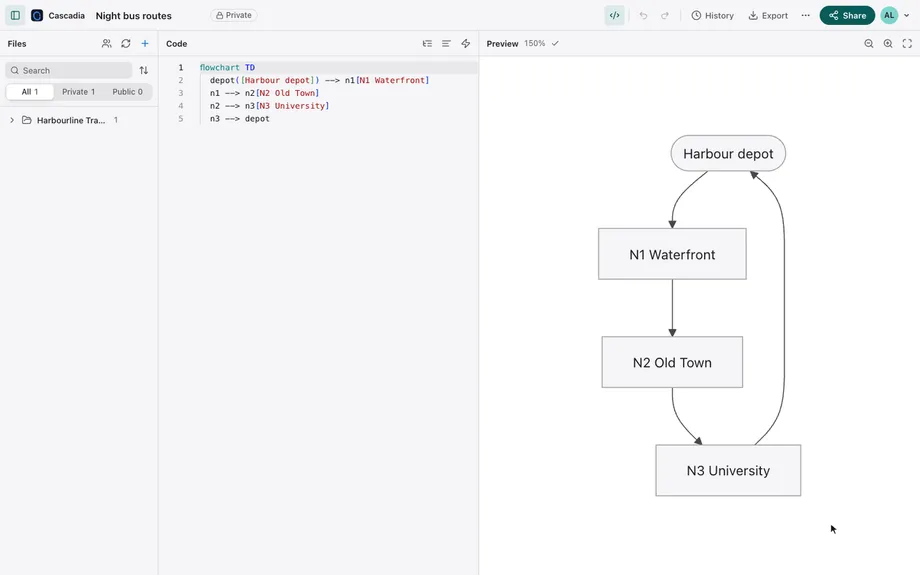
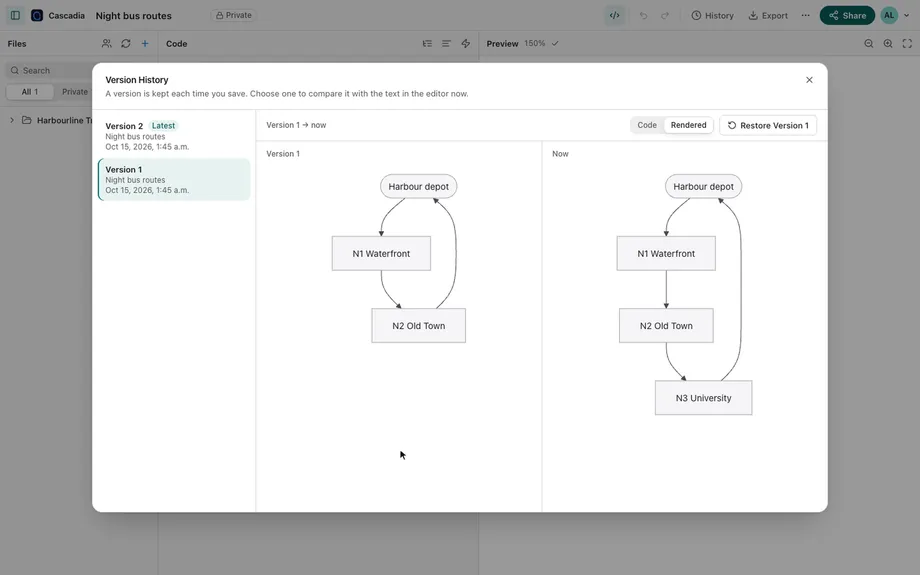
- Open Version History
- Choose an earlier version
- See the rendered diagram before and after
Folders and search
Keep diagrams and documents in folders, find them by name, and see everything shared with you in one list.
Version history you can see
Every diagram keeps its version history. Compare a version with the code change and the rendered diagram before and after, and restore any of them.
Sharing that matches intent
Each diagram is private until you share it. Let anyone with the link view or edit it, or add people by e-mail as viewers or editors.
Saves that don't collide
When someone else saved first, see both versions side by side, then keep yours, use theirs, or combine the two.
Edits kept on this device
If a save can't reach the server, your latest edits stay in the browser, ready to restore the next time you open the diagram.
Export and copy
Export a diagram as SVG, PNG, or a Visio drawing, copy it to the clipboard, or download the source of every diagram you own as a zip archive.